
Check Book Manager for Android2.1 - Get APK
You'll be able to download in few seconds.
Publisher Description
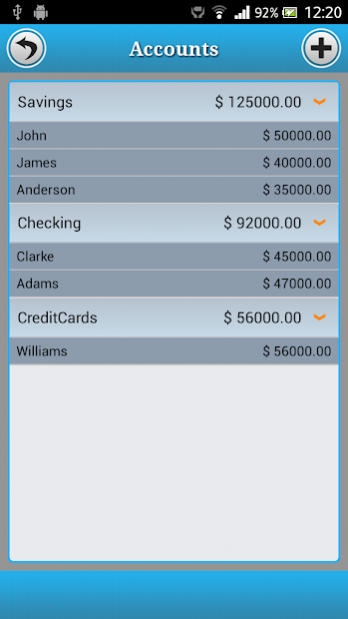
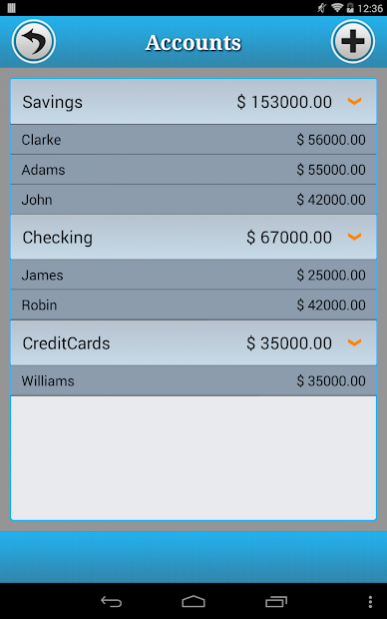
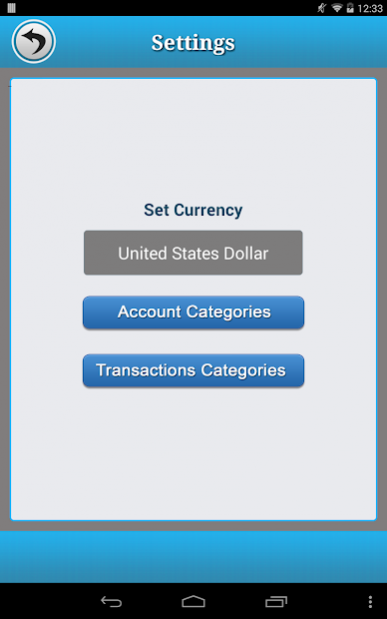
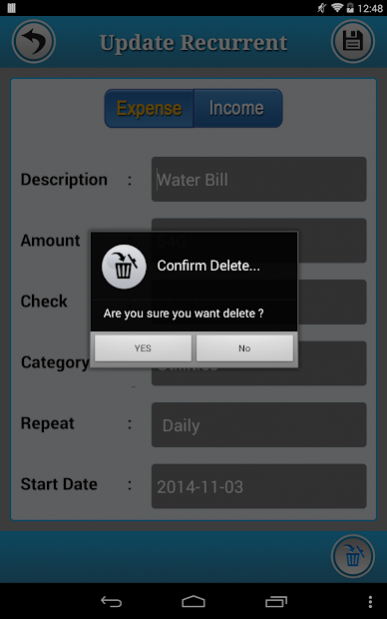
An easy & quick way to manage your daily finances, Checkbook keeps track of your credit card charges, cash expenditures...etc.
Manage all your accounts with Checkbook HD and stay always aware of how much money is left on each of your accounts, and how it happened.
To visualize the activity of your accounts, use colorful charts.
You can create multiple accounts, save recurring transactions, transfer funds, view reports & graphs, export data...etc.
You can even search the transaction by crossing your finger on the calendar!
All details of the Checkbook are well designed to provide excellent experience.
✔︎ Add/Edit/Delete unlimited transactions and Accounts.
✔︎ Filter transactions by tapping a date on the calendar.
✔︎ Reconcile your Transactions by Tapping on the Check Box.
✔︎ View your Balance,Total Outstanding Balance and Total Cleared Balance from the Transactions Screen.
✔︎ Save a transaction to be used repeatedly(daily, weekly, 2 weeks, monthly, tire monthly), without retyping all the details.
✔︎ Track as many accounts as you need.
✔︎ Supports Unlimited categories of your choice
✔︎ All details you need to keep track of your transactions are including.
✔︎ Supports multiple currencies.
✔︎ Review your monthly income vs. expense, spending by category, or income by category summaries with beautiful graphs and reports.
✔︎ Schedule transactions to repeat weekly, biweekly, monthly, semimonthly, quarterly, biannually, or yearly on a start date that you choose.
✔︎ Split a transaction among several categories for more precise tracking.
About Check Book Manager for Android
The company that develops Check Book Manager for Android is Swan Solutions. The latest version released by its developer is 2.1.
To install Check Book Manager for Android on your Android device, just click the green Continue To App button above to start the installation process. The app is listed on our website since 2017-04-28 and was downloaded 0 times. We have already checked if the download link is safe, however for your own protection we recommend that you scan the downloaded app with your antivirus. Your antivirus may detect the Check Book Manager for Android as malware as malware if the download link to com.elvin.checkbookmanager is broken.
How to install Check Book Manager for Android on your Android device:
- Click on the Continue To App button on our website. This will redirect you to Google Play.
- Once the Check Book Manager for Android is shown in the Google Play listing of your Android device, you can start its download and installation. Tap on the Install button located below the search bar and to the right of the app icon.
- A pop-up window with the permissions required by Check Book Manager for Android will be shown. Click on Accept to continue the process.
- Check Book Manager for Android will be downloaded onto your device, displaying a progress. Once the download completes, the installation will start and you'll get a notification after the installation is finished.
Program Details
System requirements
Download information
Pricing
Version History
version 2.1
posted on 2017-04-28
# Application is Optimized for multiple devices
Disclaimer
External Download
We do not host Check Book Manager for Android on our servers. We did not scan it for viruses, adware, spyware or other type of malware. This app is hosted by Galad and passed their terms and conditions to be listed there. We recommend caution when installing it.
The APK Download link for Check Book Manager for Android is provided to you by apps112.com without any warranties, representations or guarantees of any kind, so access it at your own risk.
If you have questions regarding this particular app contact the publisher directly. For questions about the functionalities of apps112.com contact us.
